Cloud-Based Supply Chain Management Software: Cloud vs On-Prem
Cloud SCM trades big upfront cost for a subscription that scales with your headcount, forever. This guide breaks down how cloud versus on-premise supply chain software actually differs, and when an owned, right-sized system beats renting per seat.
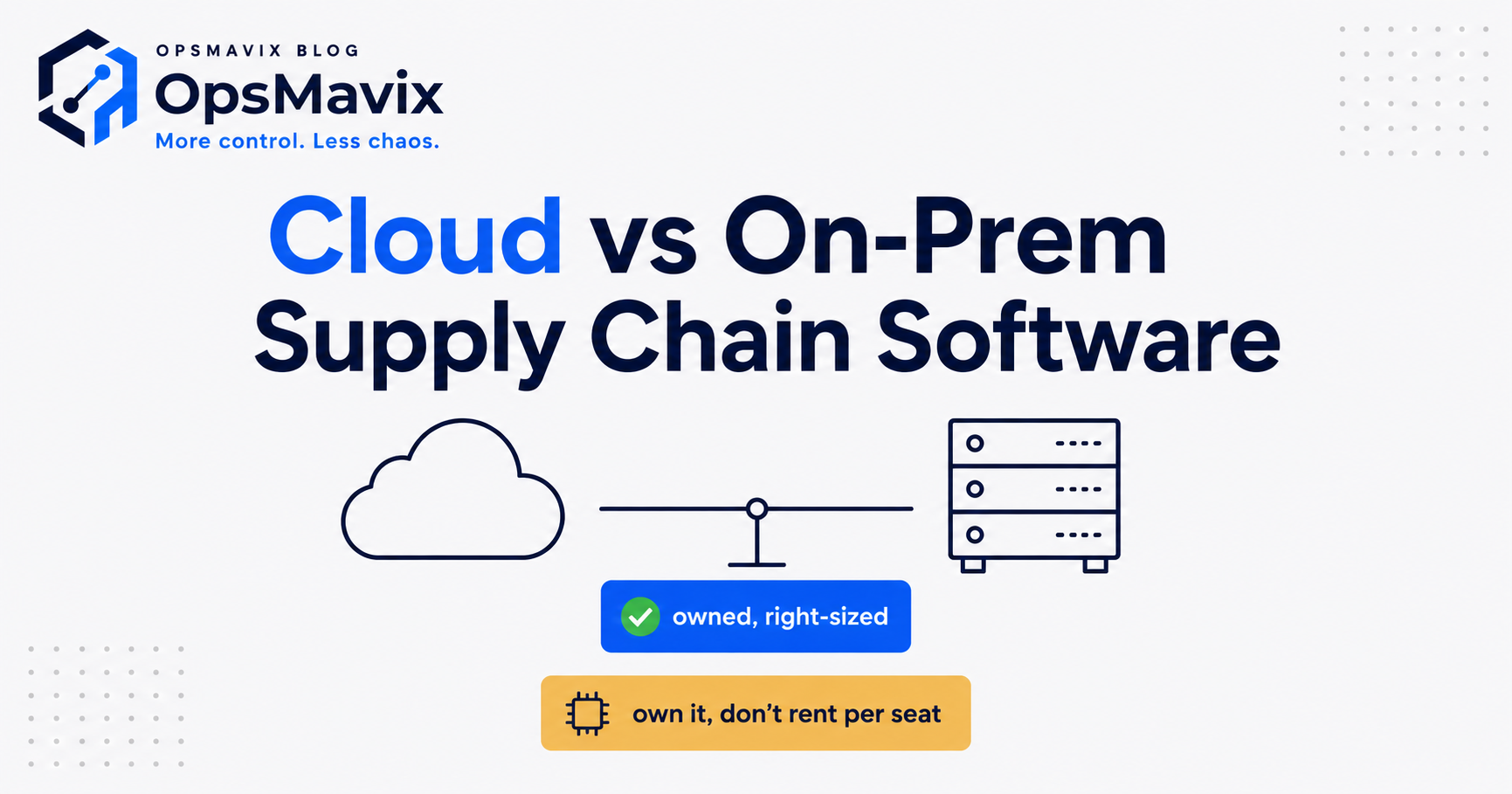
Cloud-based supply chain management (SCM) software runs on a vendor’s servers and is accessed over the internet on a subscription, so you avoid the big upfront hardware and licence cost of an on-premise system but pay a recurring fee that grows as you add users, sites, and volume. That trade-off is the whole decision in a sentence: you are choosing between owning an asset you maintain and renting a service that stays current for you. For most UK SMBs the cloud is the right default, but “cloud” and “rent per seat from a single vendor forever” are not the same thing, and conflating them costs money.
Quick summary: Cloud SCM lowers the upfront cost and hands maintenance, backups, and updates to the vendor, which is why Gartner expects more than 85% of organisations to embrace a cloud-first principle (Gartner, 2021). The catch is that per-seat subscription pricing scales with your growth, so the honest question is not “cloud or on-premise?” but “rent a platform forever, or own a right-sized system that happens to be cloud-hosted?”
Contents
- What cloud-based SCM software actually is
- How cloud (SaaS) SCM works
- Cloud vs on-premise: the honest comparison
- The real pros of cloud SCM
- The real cons: cost, data control, and lock-in
- Per-seat pricing: the maths that catches you out
- A worked example: 25-person wholesaler
- Where an owned, right-sized system wins
- How to choose
- FAQ
- How OpsMavix can help
What cloud-based SCM software actually is
Supply chain management software coordinates the flow of goods and information across purchasing, inventory, warehousing, production, and fulfilment. “Cloud-based” describes where it runs and how you pay, not what it does. Instead of installing the software on servers in your own building, you log in through a browser and the vendor hosts everything.
Almost all of these products are sold as SaaS (software as a service): a monthly or annual subscription, usually priced per user, per location, or per transaction volume. You do not own the software; you rent access. When the contract ends, so does your access, which is a point most buyers underweight until renewal.
If you want the wider picture of what these systems cover before narrowing to the hosting question, start with our guide to supply chain management software.
How cloud (SaaS) SCM works
The mechanics are straightforward:
- The vendor runs the infrastructure. Servers, databases, security patching, backups, and uptime are the vendor’s responsibility, typically in a data centre they operate or rent from a hyperscaler (AWS, Azure, Google Cloud).
- You access it over the internet. Any browser, any location, usually with a mobile app. No local install beyond a login.
- Updates ship automatically. New features and fixes are pushed to everyone on a schedule you do not control. You are always on a current version.
- You pay to use it, not to own it. Billing is a recurring subscription. Costs rise as you add seats, warehouses, order volume, or premium modules.
- Data lives on the vendor’s platform. You can usually export it, but the live system of record sits with them, governed by their terms.
Compare that to on-premise, where you buy a perpetual licence, install it on hardware you own, and take on the maintenance, security, and upgrade work yourself (or pay someone to).
Cloud vs on-premise: the honest comparison
| Factor | Cloud / SaaS SCM | On-premise SCM |
|---|---|---|
| Upfront cost | Low — subscription, little or no hardware | High — licences, servers, install |
| Ongoing cost | Recurring; scales with users/volume | Maintenance, IT staff, upgrades |
| Time to go live | Weeks to months | Months, sometimes longer |
| Updates | Automatic, vendor-controlled | Manual, on your schedule |
| Access | Anywhere, any device | Usually on-site or via VPN |
| Data control | Held on vendor platform | Fully in-house |
| Customisation | Limited to vendor’s options | Deep, if you have the resource |
| Scaling | Instant, but cost rises with you | Buy more hardware/licences |
| Exit / lock-in | Access ends with the contract | You keep the software |
| Best when | Fast start, small IT team, growth | Strict data rules, heavy custom needs |
Neither column is “the answer.” Cloud wins on speed, low entry cost, and zero maintenance burden. On-premise wins on control and long-run predictability if you have the IT capability and a 7-year-plus horizon. The subtlety, covered below, is that a per-seat cloud subscription can quietly become the most expensive option of the three over time.
The real pros of cloud SCM
Lower upfront cost. No servers to buy, no data centre, no large capital outlay. For an SMB conserving cash, moving the cost from capex to a monthly opex line is genuinely useful.
Faster to go live. Because there is nothing to install and provision, cloud systems can be running in weeks rather than months.
No maintenance burden. Patching, backups, uptime, and security are the vendor’s job. If you have a small or non-existent IT team, that is a real removal of risk.
Access from anywhere. Warehouse floor, home office, a supplier’s site — the same live data on any device. This became non-negotiable during the pandemic and has stayed that way; Gartner now expects cloud to become a business necessity, not just an advantage (Gartner, 2023).
Always current. You are never stuck on an unsupported version, and new capability arrives without a painful upgrade project.
The real cons: cost, data control, and lock-in
The vendor marketing stops here, so this is where you should slow down.
Cost that scales with you. Per-seat and per-volume pricing means the bill grows exactly as your business does. The system that cost £X a month with 8 users can cost several times that at 40 users, and you never stop paying. Over a five-to-seven-year horizon, “low upfront” can turn into the highest total cost of ownership of any option. CIPS makes the point that the purchase price is only part of the story — the true cost includes everything you pay across the asset’s life (CIPS).
Data control. Your operational data — suppliers, pricing, margins, customers — lives on the vendor’s platform under their terms. For most UK SMBs that is acceptable, but check where data is hosted (UK/EU vs elsewhere) for GDPR, and confirm your rights to export it in a usable format.
Vendor lock-in. The convenience of an all-in-one platform is also the trap. When your processes are shaped around one vendor’s product, migrating away is expensive and disruptive, which weakens your position at every renewal. Price rises are easier to impose when leaving is painful.
Customisation limits. You get the vendor’s configuration options, not your exact process. If your operation has a genuine competitive quirk, you may be forced to change how you work to fit the software — the opposite of what good operational software should do.
Per-seat pricing: the maths that catches you out
Per-seat cloud pricing looks cheap at the point of sale because it is quoted against today’s headcount. The problem is that SCM touches a lot of people — buyers, warehouse staff, planners, finance, customer service — so seat counts climb, and the subscription climbs with them, forever.
There are two costs most buyers miss:
- The compounding subscription. A per-seat fee is a percentage of your growth handed to a vendor indefinitely. It never converts into an owned asset. Ten years in, you have paid many times the cost of the software and own nothing.
- The modules and overages. Base tiers are deliberately thin. Reporting, advanced forecasting, extra warehouses, API access, and higher volume bands are often chargeable add-ons that only reveal themselves once you are dependent.
None of this makes cloud wrong. It makes renting one vendor’s platform per seat, forever a decision worth pricing over five years, not one month.
A worked example: 25-person wholesaler
Take a UK wholesaler with 25 people who need system access. A mid-market cloud SCM/order platform at, say, £80 per user per month:
- Year 1: 25 seats × £80 × 12 = £24,000, plus onboarding.
- Grow to 40 seats by year 3: 40 × £80 × 12 = £38,400 a year, before add-on modules.
- Five-year run: comfortably £150,000+, and rising, with nothing owned at the end.
Now the alternative: an owned, right-sized system built around this specific wholesaler’s order and stock process — cloud-hosted so it keeps every access-anywhere benefit — with hosting costs measured in tens of pounds a month rather than per seat. The build is a defined, one-off investment. Seats 26 through 40 cost nothing extra. After the payback period, the ongoing cost is hosting and support, not a headcount tax.
The figures are illustrative, not a quote — every operation differs. The point is the shape of the two curves: rented cost rises forever with your growth; owned cost is front-loaded and then flat. Whether the trade favours you depends on your headcount trajectory, how standard your process is, and how long you will run the system.
Where an owned, right-sized system wins
For a business “too messy for spreadsheets, not ready for a full ERP,” the choice is often framed as two extremes: keep limping on spreadsheets, or sign up to a big per-seat platform. There is a third option that is easy to miss because no vendor sells it: an owned system, sized to your actual process, that happens to be cloud-hosted.
You keep the genuine cloud benefits — browser access anywhere, no on-site servers, automatic backups, current infrastructure. You drop the parts that hurt:
- No per-seat tax. Adding staff does not increase your software bill.
- You own it. The system is an asset, not a rental you lose at renewal.
- It fits your process. Built around how you actually run, not how a vendor assumed you should.
- No lock-in. You hold the code and the data; you are never negotiating from weakness.
This is the difference between a general-purpose SCM platform and a right-sized operational system. If you are weighing that broader trade-off, our pieces on operational systems vs ERP and custom software for business go deeper. Owned does not mean on-premise — the best version for most SMBs is cloud-hosted and owned, which is the combination the “cloud vs on-prem” framing tends to hide.
How to choose
Work through it in order:
- Standard process, need it next month, tiny IT team? A cloud SaaS SCM platform is likely the fastest fit. Just price it over five years, not one.
- Strict data-residency rules, deep customisation, strong IT, long horizon? On-premise (or a private-cloud equivalent) can still make sense.
- Growing headcount, a process with real quirks, tired of a bill that rises forever? An owned, right-sized cloud-hosted system is worth costing against the rental curve.
Do not skip the exercise. The cheapest option at sign-up is often the most expensive by year five, and the “safe” branded platform can be the one you cannot afford to leave.
FAQ
Is cloud-based SCM software safe for my data?
Reputable cloud vendors run stronger security, backups, and uptime than most SMBs could manage in-house. The real questions are where your data is hosted (insist on UK or EU for GDPR), what your contractual rights are to export it, and what happens to it if you leave. Read those clauses before you sign.
Is cloud always cheaper than on-premise?
No. Cloud is cheaper to start because there is little upfront cost. Over a five-to-seven-year horizon, a per-seat subscription that grows with your headcount can overtake the total cost of an owned or on-premise system. Price both across the full period, not month one.
What is the difference between cloud SCM and cloud ERP?
SCM software focuses on the supply chain — purchasing, inventory, warehousing, fulfilment. ERP is broader, spanning finance, HR, and more. Many SMBs need the operational core, not the full finance suite; see finance ERP vs operational ERP for where the line sits.
Can I own a supply chain system and still get cloud benefits?
Yes — this is the option vendors do not advertise. An owned system can be cloud-hosted, giving you browser access, automatic backups, and no on-site servers, while removing per-seat pricing and vendor lock-in. Owned and cloud-hosted are not opposites.
How long does cloud SCM take to implement?
A configured SaaS platform can go live in weeks to a few months depending on data migration and integrations. An owned, right-sized system is a defined build project — longer to start, but it fits your process exactly and does not tax you per seat afterwards.
How OpsMavix Can Help
OpsMavix is not an SCM vendor and we do not sell generic code. We build owned, right-sized operational systems for UK businesses that have outgrown spreadsheets but are not ready — or willing — to rent a full per-seat platform forever. That includes cloud-hosted wholesale order management systems built around how you actually run, so you keep every cloud benefit without the compounding subscription or the lock-in.
We start by finding the leak, not by selling software. The free Operations Leak Audit maps your current tools, seat costs, and process gaps, then tells you honestly whether cloud SaaS, on-premise, or an owned system is the right call for your operation and horizon — even if that answer is not us. Every build carries a delivery guarantee, so you know what you are getting before you commit.
If you want to understand the foundations first, read what an operations system is. When you are ready, Book a Free Operations Leak Audit.